






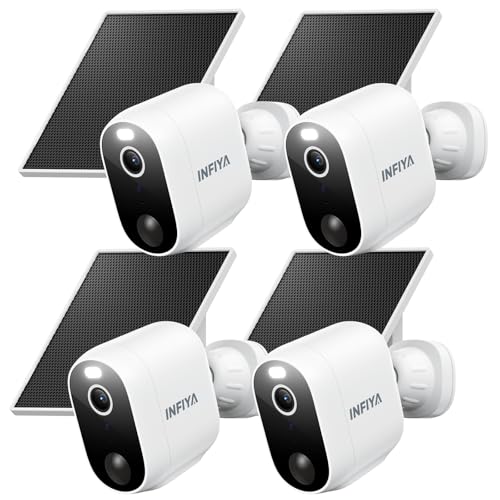





Understanding Security Cameras: How They Work and Their Benefits
How Security Cameras Operate
Security cameras work by capturing video footage of an area, allowing users to monitor what occurs in real-time or record it for later review. They typically utilize either analog or digital technology, with most modern systems relying on digital methods that provide clearer images and easier connectivity with other devices. These cameras can either be IP-based, which connects to the internet for remote access from smartphones or computers, or use a closed-circuit television (CCTV) system, which functions within a limited area.
Benefits of Using Security Cameras
The main advantage of having security cameras is enhanced safety. They act as a deterrent to criminal activity since potential intruders are less likely to target homes or businesses that are under surveillance. Additionally, they provide peace of mind, enabling homeowners to keep an eye on their property while away. Cameras can also offer valuable evidence in the event of an incident, aiding law enforcement in any investigations.
Key Features to Look for in a Security Camera
Video Quality
When choosing a security camera, video quality is paramount. Look for cameras that offer at least 1080p resolution, which ensures that images are clear enough to identify faces and license plates. Higher resolutions, such as 4K, provide even greater clarity but may require more storage space.
Night Vision Capabilities
To monitor your property at any time, ensure the camera has good night vision capabilities. This usually involves infrared technology, which allows cameras to capture clear video in total darkness. Some cameras even come with color night vision, which can increase the detail available in low-light settings.
Field of View
The wider the field of view, the more area your camera can cover. Most security cameras offer a range from about 90 to 180 degrees. A camera with a wider field of view will require fewer units to adequately cover a space, thus potentially saving you on costs and installation time.
Two-Way Audio
This feature is beneficial if you want to communicate through the camera, allowing you to interact with family members, visitors, or even potential intruders. Two-way audio can enhance your overall security setup, making it a valuable consideration.
Mobile Accessibility
Choose cameras that allow you to connect to a mobile app. This feature lets you access your camera feeds, receive alerts, and manage settings remotely, providing convenience and ease of control whether you’re home or away.
Choosing the Right Type: Indoor vs. Outdoor Security Cameras
Understanding Indoor Cameras
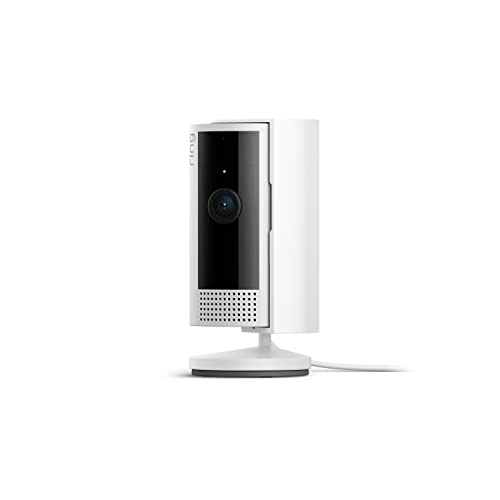
Indoor security cameras are designed primarily for use within your home. They tend to have a sleeker aesthetic, blending into your interior decor. Look for models with features like pan-tilt-zoom (PTZ) capabilities to capture different angles, and a good audio system to monitor activity inside your home effectively.
Outdoor Security Cameras
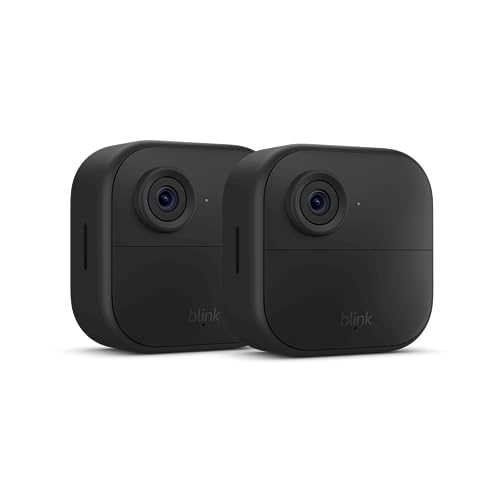
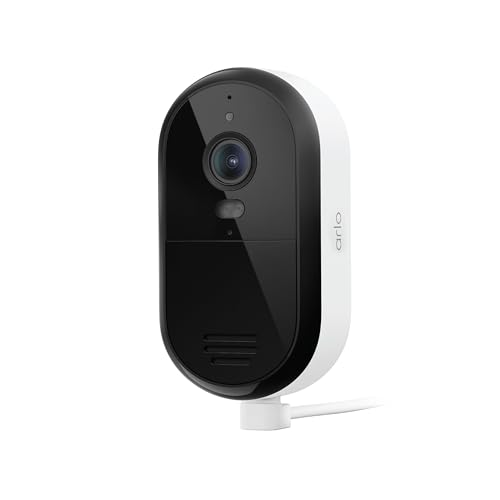
Outdoor cameras must withstand various weather conditions, so they’re typically built with rugged materials. Features like weatherproofing, higher resolutions, and night vision are essential. Additionally, outdoor cameras often include motion detection to alert you when movement occurs in your yard or driveway.
Installation Tips: How to Set Up Your Security Camera Effectively
Choosing the Right Location
Ensure your cameras are placed strategically to cover the most critical areas of your property. Common spots include entry points like doors and windows, as well as high-traffic areas. Remember to avoid placing cameras directly under lights or in areas where they may be easily obscured.
Wiring vs. Wireless
Decide whether to opt for wired or wireless cameras. Wired cameras can offer more reliable connections and do not require battery replacements but necessitate professional installation. Wireless cameras are easier to install and relocate but must have reliable Wi-Fi to function effectively.
Follow Manufacturer Guidelines
Each camera comes with specific installation instructions. Following them closely will not only ensure your cameras work optimally but also help avoid issues like connectivity problems or incorrect configurations that could lower your security.
Maximizing Security: Integrating Cameras with Other Home Safety Measures
Combining with Alarm Systems
Integrating security cameras with an alarm system can provide a comprehensive safety solution. When an alarm is triggered, cameras can start recording or alert you immediately, allowing for swift action to be taken in response to any potential threat.
Incorporating Smart Home Technology
Linking your security cameras to smart home devices enhances your security capabilities. For instance, connect them with smart lighting systems to illuminate paths when motion is detected, or with smart locks that can be controlled remotely.
Regularly Review Footage
Don’t forget to periodically review the footage from your security cameras. This not only ensures that they’re functioning correctly but also allows you to spot any unusual activity over time, helping you maintain a proactive approach to your home security.