






Understanding Robot Vacuums: A Practical Overview
What is a Robot Vacuum?
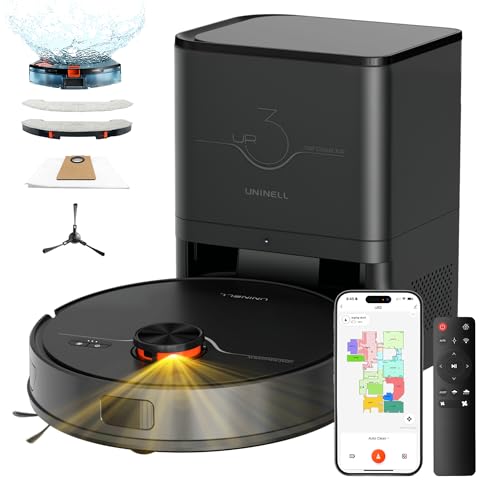
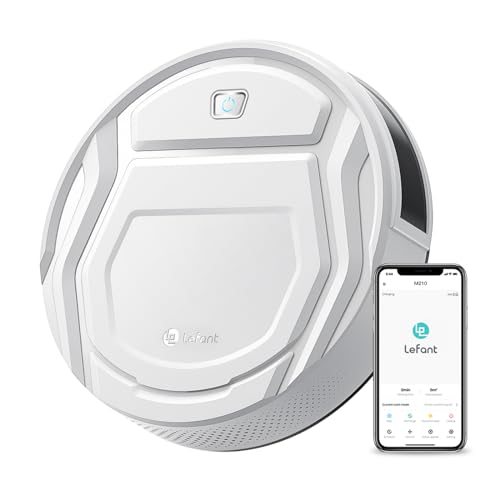
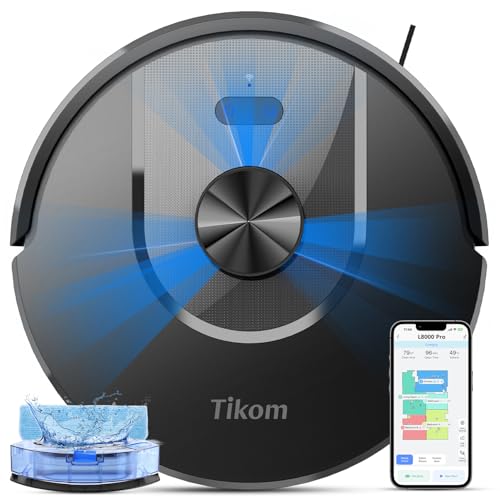
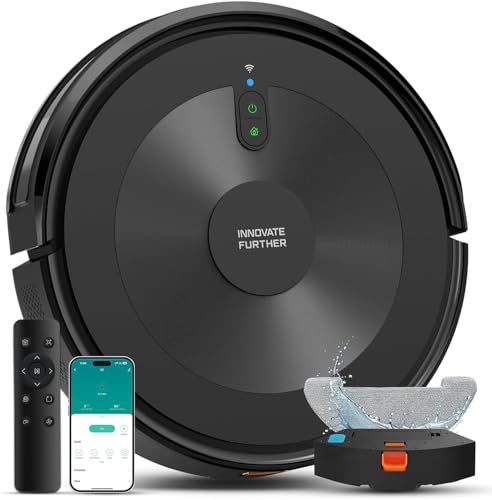
Robot vacuums are automated cleaning devices designed to navigate your home and clean floors with minimal human intervention. Picture this: you could be sipping coffee or relaxing on the couch while a small, round vacuum cleaner quietly goes about its job, moving seamlessly around furniture and under tables. These devices are equipped with sensors and advanced technology to detect dirt, avoiding obstacles and changing direction as needed.
How Do Robot Vacuums Work?
Most robot vacuums use a combination of spinning brushes, suction power, and smart navigation to clean effectively. As it rolls across your floors, the spinning brushes agitate dirt and debris, which are then sucked up into a dustbin. Many models come with mapping technology, allowing them to create a layout of your space and clean it in an efficient pattern instead of aimlessly wandering. They can also be programmed to clean at specific times or controlled via smartphone apps.
Key Features to Consider When Choosing a Robot Vacuum
Suction Power and Cleaning Modes
Key to any vacuum’s effectiveness is its suction power – you want a model that can handle both fine dust and larger debris like crumbs. Look for systems that offer multiple cleaning modes such as spot cleaning for small areas or a deep clean for more thorough sessions. This feature allows you to customize your robot’s cleaning approach according to your needs, such as tackling stubborn stains or managing daily dust.
Navigation Systems
A robot vacuum’s navigation capability plays a critical role in its efficiency. Some models use basic bump-and-run technology, while others employ advanced LIDAR or camera-based systems for mapping and navigating your home intelligently. Robots that can create a detailed map of your space not only clean more efficiently but also avoid potential obstacles and decrease cleaning times.
Battery Life and Recharge Time
Battery life is another essential factor, impacting how much area your robot can cover before needing a recharge. Most robot vacuums offer a runtime between 60 to 120 minutes. If you have a large home, opt for models with longer battery life and fast recharge times that can quickly get back to work after charging.
Smart Features and Connectivity
Today’s robot vacuums often come with smart features, including Wi-Fi connectivity and compatibility with smart home devices. This allows for remote control via a mobile app or voice commands through assistants like Alexa or Google Assistant. These features not only enhance convenience but allow for scheduling and monitoring your vacuum’s performance from anywhere.
The Best Robot Vacuums for Every Home Setup
For Pet Owners
If you’re a pet owner, you need a robot vacuum specifically designed to handle pet hair. Look for models with powerful suction and specialized brush technology that prevents tangling with fur. These vacuums often come with effective filtration systems to trap allergens and odors, ensuring a cleaner environment for both you and your furry friends.
For Small Apartments
In smaller living spaces, a compact robot vacuum can maneuver easily without requiring a lot of storage. Choose a model known for efficient cleaning in tight spaces and with settings for hard floors and carpets. A smaller footprint can also make it easier for the vacuum to navigate through furniture without getting stuck.
For Large Homes
If you have a larger home, investing in a mid-to-high-end robot vacuum makes sense. Look for robust models with strong suction, long battery life, and advanced navigation that can cover many square feet in one charge. Additionally, many of these vacuums can resume cleaning if they run low on battery and return to their charging dock—something that’s especially helpful for expansive areas.
How to Maintain Your Robot Vacuum for Optimal Performance
Regular Cleaning and Replacement Parts
To keep your robot vacuum performing at its best, regular maintenance is key. This includes emptying the dustbin frequently to ensure maximum suction and cleaning the brushes to remove hair and debris. Additionally, check filters and replace them according to the manufacturer’s recommendations. Many vacuums allow easy access to these parts, making maintenance straightforward.
Software Updates and Troubleshooting
Like many smart devices, robot vacuums can benefit from software updates, improving functionality and introducing new features over time. Keep an eye out for notices from the manufacturer, and ensure you follow their instructions for updating. Should your vacuum encounter issues, consult the user manual for troubleshooting tips to maximize your unit’s longevity and performance.
Budgeting for Your Robot Vacuum: What to Expect
Understanding Price Ranges
Robot vacuums come in a wide range of prices, typically starting around $200 and going upwards of $1,000 for high-end models. Consider what features matter most for your lifestyle—spending a little more on a model with strong suction and reliable mapping features can save you hassle in the long run.
Cost of Accessories and Maintenance
Keep in mind the cost of accessories and maintenance when budgeting for your robot vacuum. Replacement filters, brushes, and batteries can add to your overall expenses. Typically, budget for these accessories annually to keep your vacuum running optimally and to extend its life.