











Understanding External Hard Drives: The Basics Explained
What Are External Hard Drives?
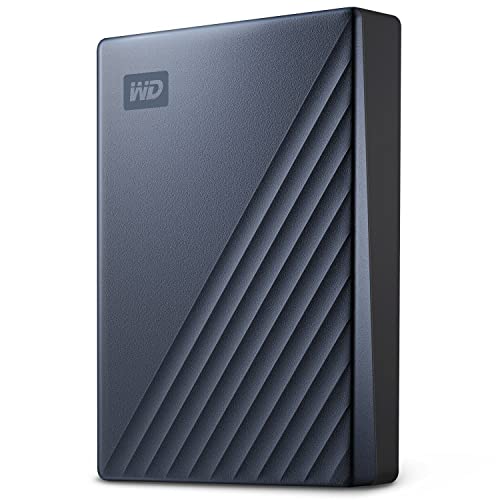
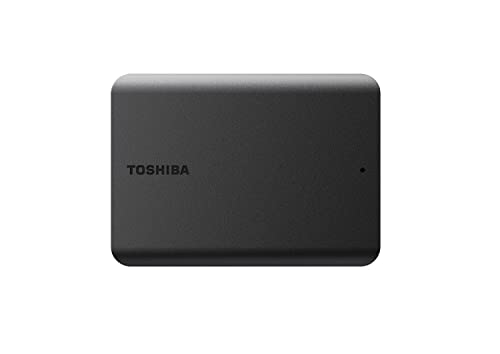
External hard drives are storage devices that connect to your computer through a USB or other interface. Imagine them as an additional toolbox for your digital files, allowing you to store everything from photos and videos to important documents outside of your computer’s internal storage. This not only frees up space on your device but also keeps your files accessible when you need them.
Why Use an External Hard Drive?
There are several compelling reasons to use an external hard drive. For instance, if you take a lot of photos or videos, you might quickly run out of space on your laptop or desktop. An external hard drive allows you to back up these files, ensuring that you don’t lose your memories. Additionally, if you work with large files like video projects or design creations, these drives can provide the extra space and flexibility required to manage your workload efficiently.
Choosing the Right Size: How Much Storage Do You Need?
Estimating Your Storage Requirements
When considering the size of an external hard drive, think about how much data you currently have and how much more you might accumulate in the future. For example, if you’re an average user who mainly stores documents and a few photos, a smaller drive (around 250GB to 500GB) might suffice. However, if you’re a photographer with thousands of images or a gamer who downloads large titles, aiming for a drive with 2TB or more would be wise. It’s always better to opt for a larger capacity than you think you need—this way, you won’t run out of space anytime soon.
Common Sizes and What They Offer
External hard drives typically come in various sizes, commonly ranging from 250GB to 5TB and beyond. A 1TB drive usually holds about 200,000 songs, or hundreds of thousands of standard photos, making it versatile enough for many users. If you often create or download high-resolution multimedia files, consider a drive with 4TB or more. This could save you the trouble of purchasing additional drives as your storage needs grow.
Speed and Connectivity: Finding the Best Transfer Rates for Your Needs
Understanding Transfer Speeds
Transfer speed is crucial when choosing an external hard drive. The speed determines how quickly you can move files to and from the drive. Common interfaces are USB 3.0 and USB 3.1, with USB 3.1 typically providing faster data rates. If you often transfer large files, aim for a drive that supports these newer formats to save time and improve your workflow.
Matching Connection Types with Your Devices
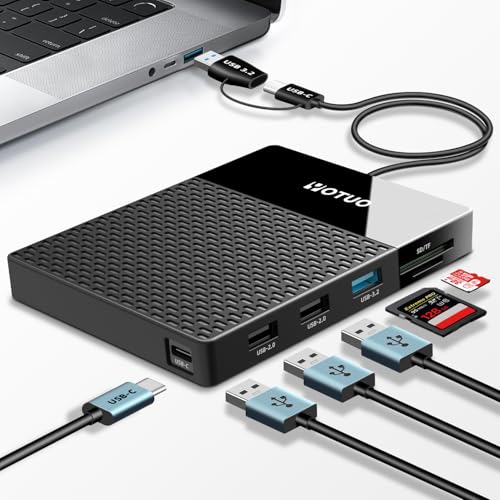
Another factor to consider is the type of connection your devices support. If you have an older computer, a USB 3.0 drive will still work, but for newer models, you might want to look for USB-C compatibility. This not only enhances speed but also simplifies the connectivity process. Before making a decision, check your devices to ensure compatibility and take note of the connection type to avoid any hassle.
Portability and Durability: What to Consider for On-the-Go Usage
Choosing a Portable Drive
If you plan to carry your external hard drive with you, look for models that are compact and lightweight. Portable drives are designed to be small, often fitting in your bag or even your pocket. Consider how frequently you travel and the activities you’ll be doing. A rugged model may be ideal for someone who takes their drive on hikes or trips, as they tend to have additional protection against drops and spills.
Assessing Durability Features
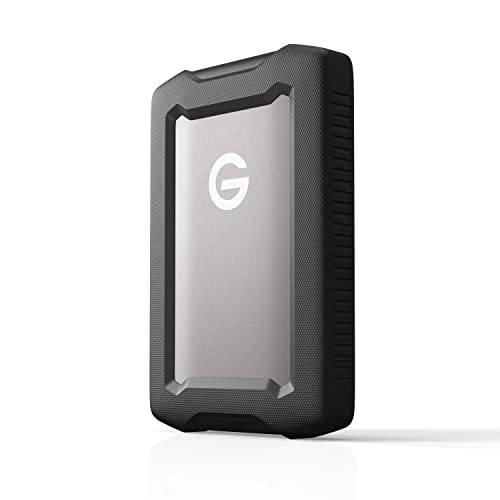
Durability is a key aspect if you intend to move your hard drive around often. Some drives come with added shock resistance and water protection, while others might offer a rubber casing to prevent damage during transport. Choosing a more robust option ensures that your important data remains safe from accidental bumps or falls.
Maximizing Your Investment: Tips for Backing Up and Maintaining Your Data
Regular Backups Are Key
To maximize the value of your external hard drive, establish a routine for backing up your data. You can set up automatic backups that run at designated times, which will save you time and ensure your files are always secure. Schedule these backups weekly or monthly, depending on how often you create new content.
Proper Maintenance and Care
In addition to backing up your data, taking good care of your external hard drive extends its lifespan. Always safely eject your drive before unplugging it to prevent accidental file corruption. Store your drive in a cool, dry place, and avoid exposing it to extreme temperatures. These simple steps can help protect your drive from damage and keep your important files accessible for the long haul.