








What is a Dash Cam and Why Do We Need One?
Understanding Dash Cams
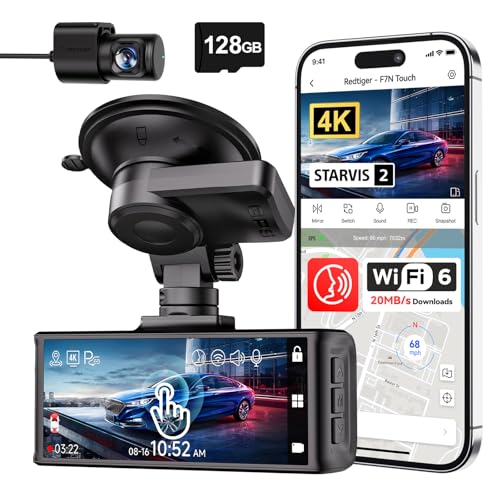
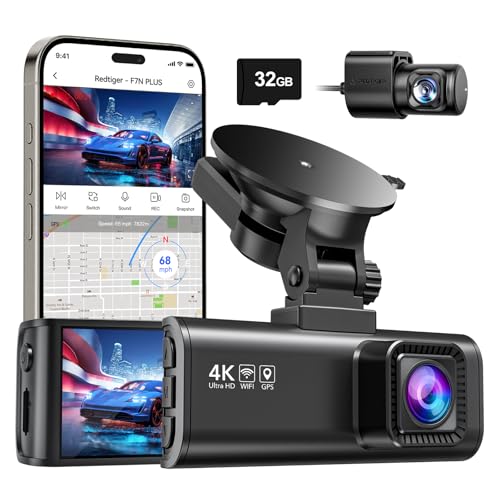
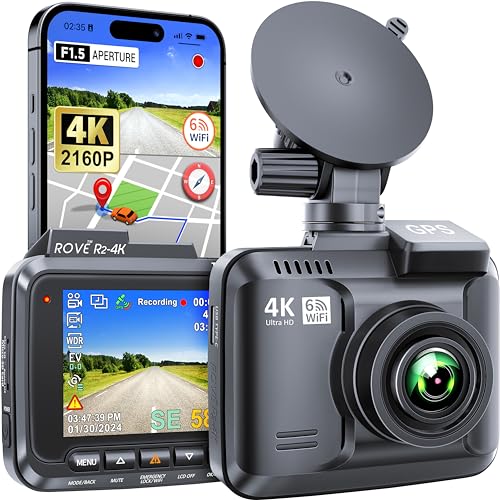
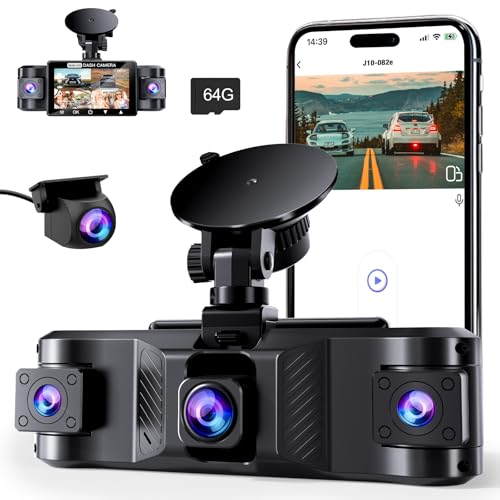
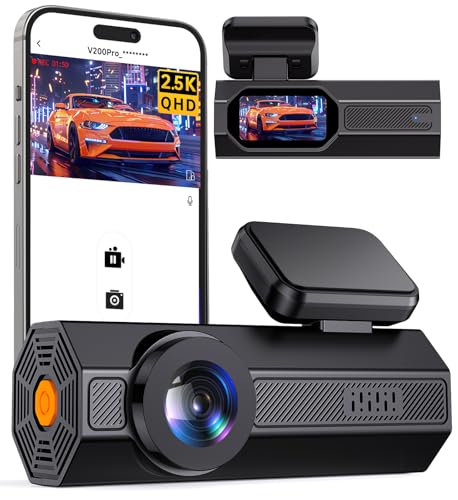
A dash cam, or dashboard camera, is a small camera mounted on your vehicle’s dashboard or windshield that records everything happening in front of (and sometimes behind) your car while you drive. Think of it as your personal eyewitness. In case of an accident, this device can provide crucial video evidence to clarify what happened. This could potentially save you from hefty insurance claims, disputes with other drivers, or even legal issues.
The Importance of Having a Dash Cam
Imagine you’re driving home and suddenly another driver runs a red light, colliding with your car. Without a dash cam, it’s your word against theirs. However, with a dash cam, you can present clear video footage to your insurance company or the authorities, ensuring a fair resolution. Furthermore, dash cams can capture unexpected moments like wildlife crossing the road or beautiful scenery during a road trip, making them a fun addition to your driving experience.
Key Features to Consider When Choosing a Dash Cam
Video Quality Matters
The clarity of the footage is paramount; a dash cam with high-resolution recording, ideally 1080p or higher, ensures you capture every detail clearly. Think about it: in a volatile situation, blurry footage could lead to misunderstandings.
Night Vision Capabilities
Many accidents happen at night, so choosing a dash cam with strong night vision capabilities is wise. This feature helps to capture clear video even in low-light conditions, providing you peace of mind during evening drives.
Wide Field of View
A dash cam with a wide-angle lens will cover more road. This means that not only does it capture what’s directly ahead, but it also records peripheral activities, making sure nothing important slips through the cracks.
Ease of Use
Look for a dash cam that is user-friendly. Navigating through settings should be straightforward, and pressing video record shouldn’t feel like rocket science. The last thing you want is to fumble with settings during a stressful moment.
Storage Options
The storage of your dash cam is crucial, as it determines how long you can keep recordings. Many dash cams support loop recording, where the oldest footage is overwritten when the storage fills up. Make sure you choose one that allows for external storage options, like many that support microSD cards, for longer recording times.
Additional Features
Consider other features that may benefit you, such as built-in GPS, which tracks your location and speed, and G-sensors that automatically save videos in the event of a crash. These add-ons can enhance the functionality of your dash cam and provide more comprehensive protection.
Top Recommendations for Every Budget
Affordable Dash Cams
For those on a tight budget, models like the VIOFO A119 offer great quality at an accessible price point, capturing clear 1080p footage and featuring a decent field of view. It’s reliable for basic needs without breaking the bank.
Mid-Range Options
In the mid-range category, the Garmin Dash Cam 66W provides high-definition video capture, excellent night vision, and built-in GPS. With added features like incident detection, it’s a solid choice for those looking for a bit more functionality.
Premium Choices
If you’re willing to invest more for additional features like 4K recording, consider the Thinkware U1000. With stunning video quality, Wi-Fi connectivity, and advanced driver-assistance features, it’s designed for the serious driver who wants the best technology available.
How to Install and Use Your Dash Cam Effectively
Installation Steps
Installing a dash cam typically involves mounting it to your windshield with suction cups or adhesive tape. Ensure it’s positioned properly to avoid obstructing your view. You’ll also need to run the power cable to either your car’s power outlet or hardwire it for a cleaner look.
Optimal Settings
Once installed, go through the dash cam’s settings. Set the date and time correctly, choose the video quality you prefer, and enable loop recording. Familiarizing yourself with these settings can enhance the way you use your device.
Using Your Dash Cam
After installation, simply turn on your ignition, and the dash cam should automatically start recording. If it has features like motion detection, ensure they are turned on for added security when parked. Check your footage occasionally to ensure everything is working correctly.
Tips for Maintaining Your Dash Cam for Longevity
Keep it Clean
Regularly clean the camera lens with a microfiber cloth to avoid blurry footage caused by dirt or smudges. Also, wipe down the screen, so you can view recordings without distraction.
Update Firmware Regularly
Manufacturers often provide firmware updates to improve performance and add features. Regularly check for these updates and install them to ensure your dash cam is functioning at its best.
Monitor Storage Space
Periodically check your storage space on the microSD card. If it’s close to being full, download the recordings you want to keep and delete old footage to maintain a seamless recording experience.